
Home/Camera privacy
Camera Privacy Commitment
No one at Shields can see your cameras unless your alarm is triggered or you ask us to check. You choose which cameras we can view, and you’re alerted every time an operator looks.
★★★★★4.9/5 on Google
Your alarm, or your request
Switch our access on or off
The moment anyone looks
Under your own account
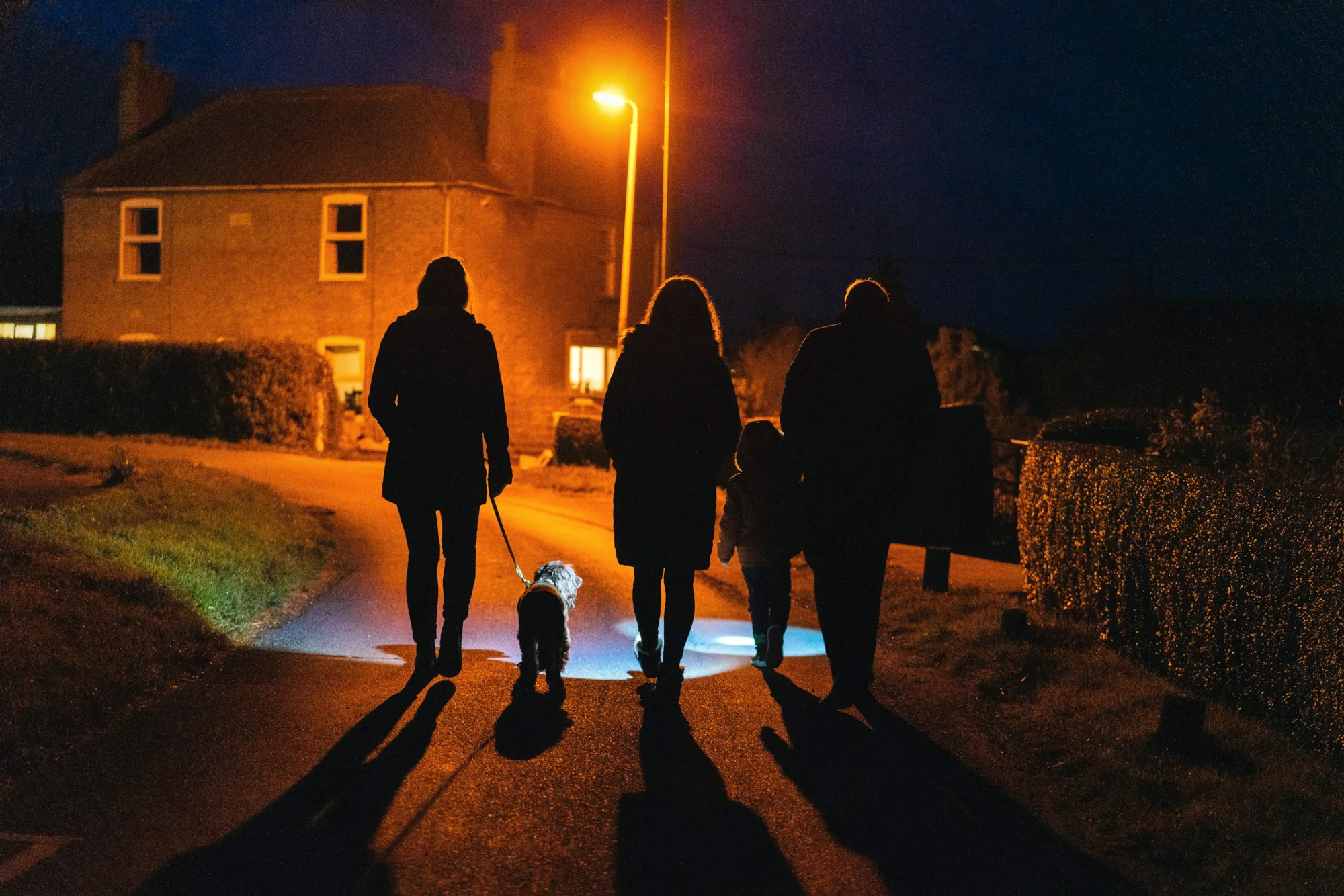
Our commitment
Safety and security are at the heart of everything we do. Our cameras are designed with privacy in mind, and protecting the data they capture is one of our highest priorities.
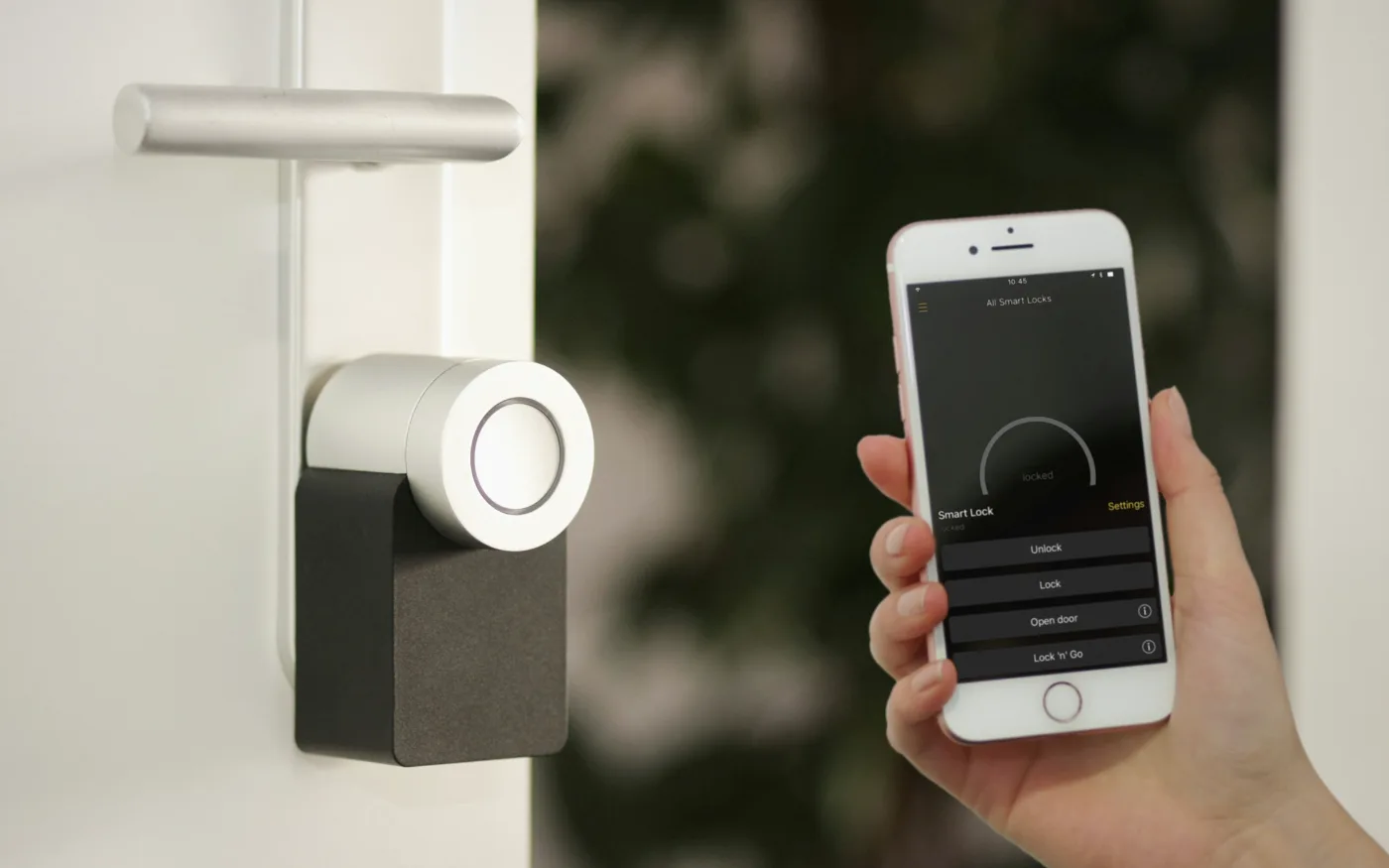
Access
Only in two situations, and your phone is alerted every time.
Your controls
Privacy isn’t a setting we manage for you. These controls are in your hands, in the Shields app.
Arm and disarm your alarm and cameras from your phone, wherever you are.
Turn our access to each camera on or off in the app. While it’s off, our operators can’t view that camera, so it can’t be used to check an alarm.
Turn them off when you’re home and back on when you go out. While they’re off, no one can view them, including us.
If an operator views your cameras, your phone is alerted at that moment, never after the fact.
Alarm events
Every alarm follows the same procedure. Access exists to verify the alarm and protect your home, and for nothing else.
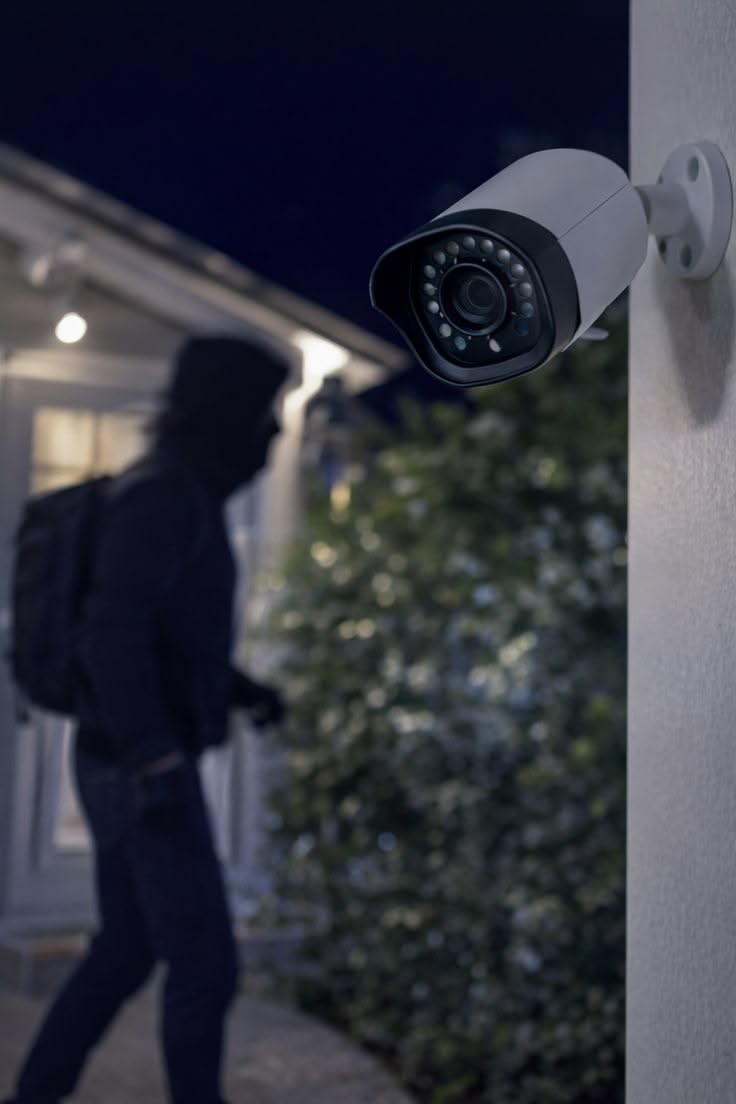
1
Step 1
A sensor or camera detects activity at your property and the alarm signal reaches our monitoring team straight away. Smart detection shows whether the movement looks like a person or a vehicle.
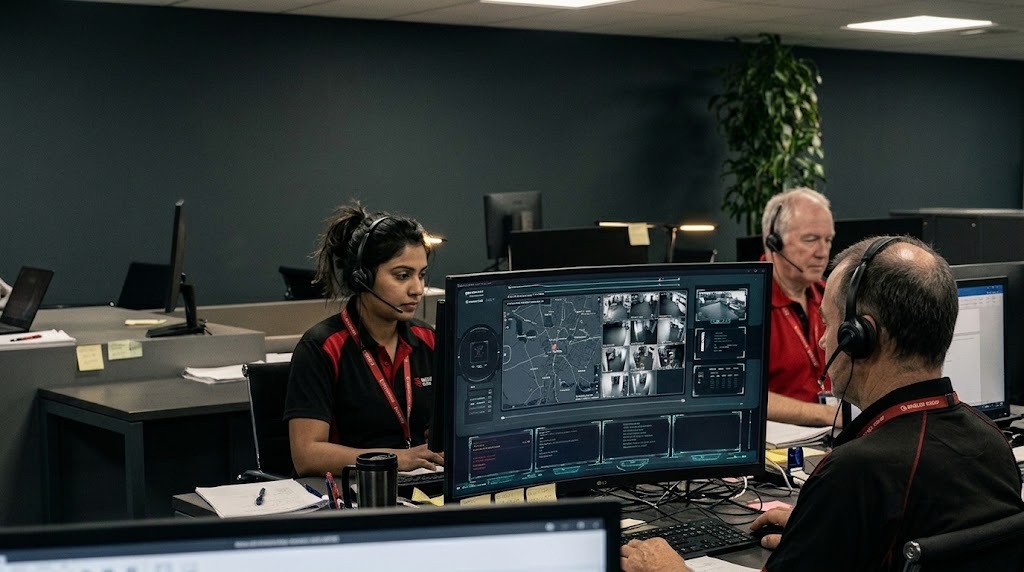
2
Step 2
They can view up to 20 seconds of recorded video and audio from just before the alarm, and up to 40 seconds of live video and audio. That is the most they can see to decide whether the threat is real.
3
Step 3
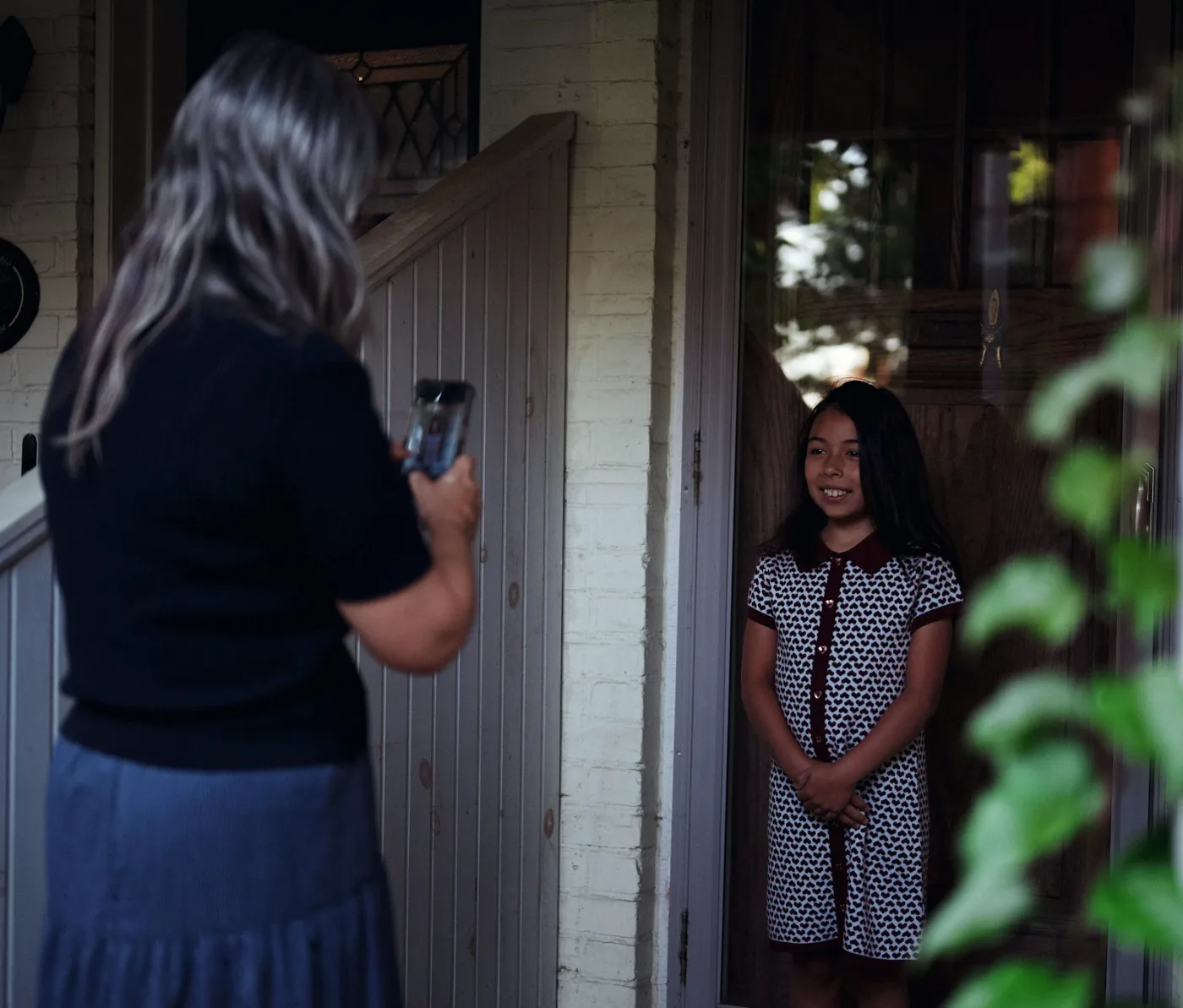
Your phone is notified the moment an operator views your cameras, so you always know when someone has looked, and why.
4
Step 4
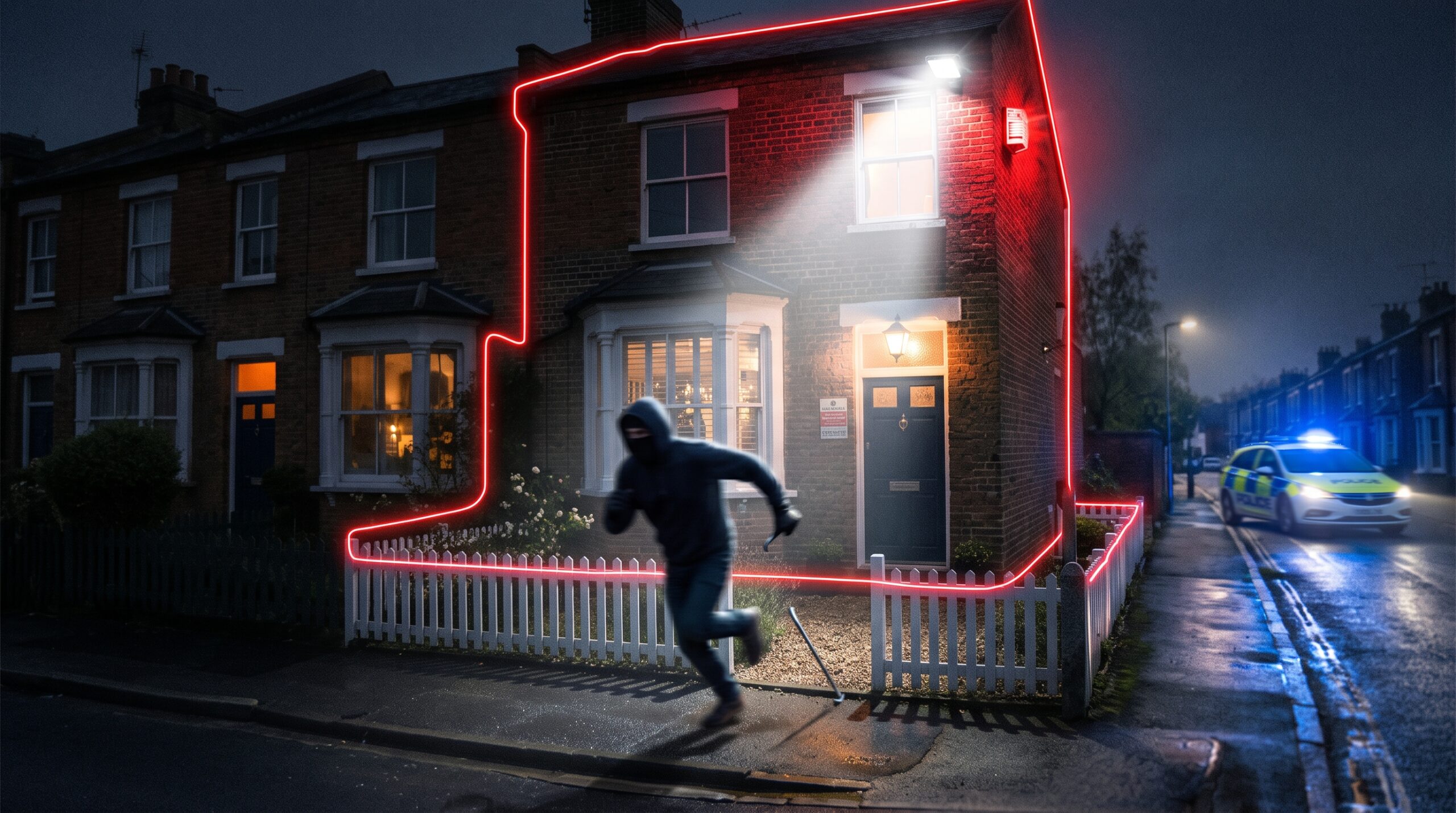
If it’s a false alarm, access ends there. If the threat is real, the operator warns the intruder through the speaker, sets off the siren and strobe and escalates to the police, with access kept to the minimum time needed.
Your data
Your cameras produce images, video, audio and technical data. This is exactly how each is used.
Your cameras use smart detection to tell whether movement is likely to be a person or a vehicle. Operators use it to judge the risk when they handle your alarm. It never identifies who anyone is.
Information about your alarm and cameras, such as connection, signal and battery levels, is collected continuously so we can maintain your system and the quality of your service.
Every kind of camera data is used only to protect your property. It is never used for any commercial or other non-security purpose.
Never for commercial use
It exists to protect your property, and we never sell it to anyone.
Your footage and camera data are never used to advertise or market to you, or to anyone else.
Nothing your cameras capture is used to sell you products or services, online or anywhere else.
We never use your cameras to build a picture of you, your family or your routine.
Storage
Where your recordings are kept, who can access them, and when they are deleted.
Recordings are stored on secure cloud servers, in the cloud service provided with your camera app, under your own account.
Depending on the camera model, recordings can also be kept on an SD card inside the camera. We have no access to those files.
Your recordings belong to you, and you control them. The only exception is an alarm event.
We can access up to 20 seconds of recorded video and audio from before the alarm, and up to 40 seconds of live video and audio.
We have no access to your recordings at any other time, unless you ask us to check your property.
Cloud recordings are kept for the period set by your camera plan, then permanently deleted. Clips we use to verify an alarm are normally deleted within 31 days, unless the police, your insurer or a legal matter needs them.
Encrypted
All alarm images are encrypted and stored in secure cloud storage.
Sharing
Alarm footage is shared to help protect you, never for profit.
Our operators
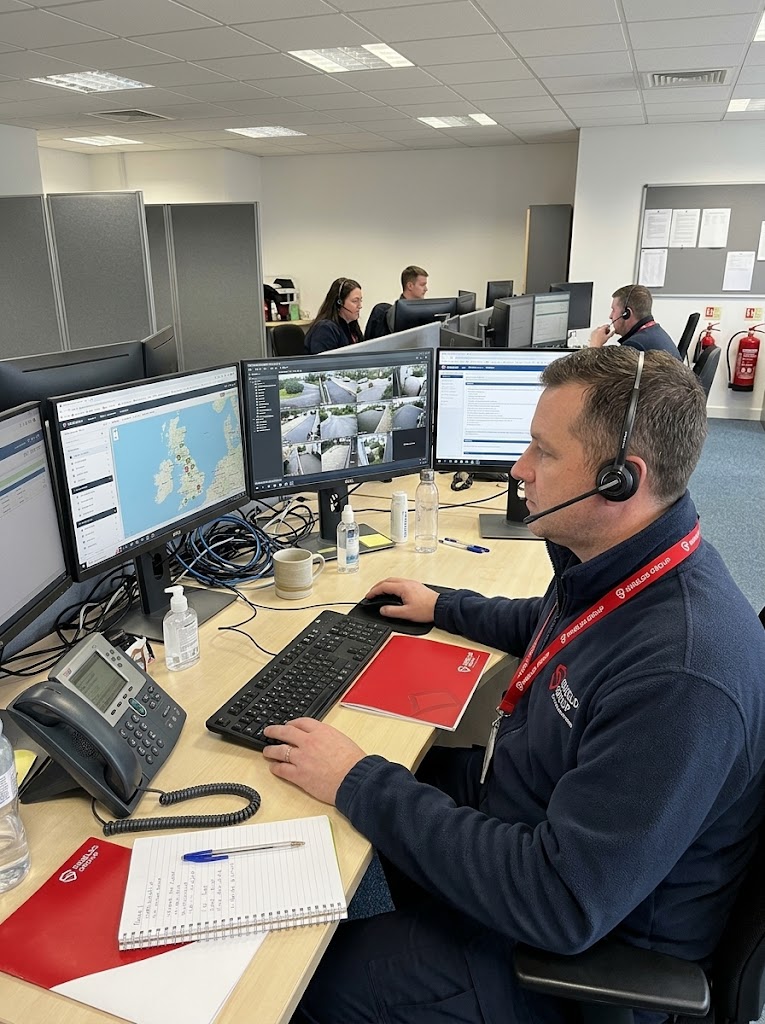
Alerts are handled by Shields Group’s monitoring team, supported by our monitoring partner. Every operator follows the same camera access procedure, without exception.
Your rights
UK data protection law gives you rights over the personal data we hold, including footage. To use them, email contact@shieldsgroup.co.uk.
Ask for a copy of the personal data we hold about you, including any footage we have kept. We respond within one month, or tell you if we need longer.
Ask us to correct anything inaccurate, or to delete data we no longer need to keep.
Ask us to stop or restrict how we use your data in certain situations.
If you’re unhappy with how we’ve handled your data, you can complain to the Information Commissioner’s Office.
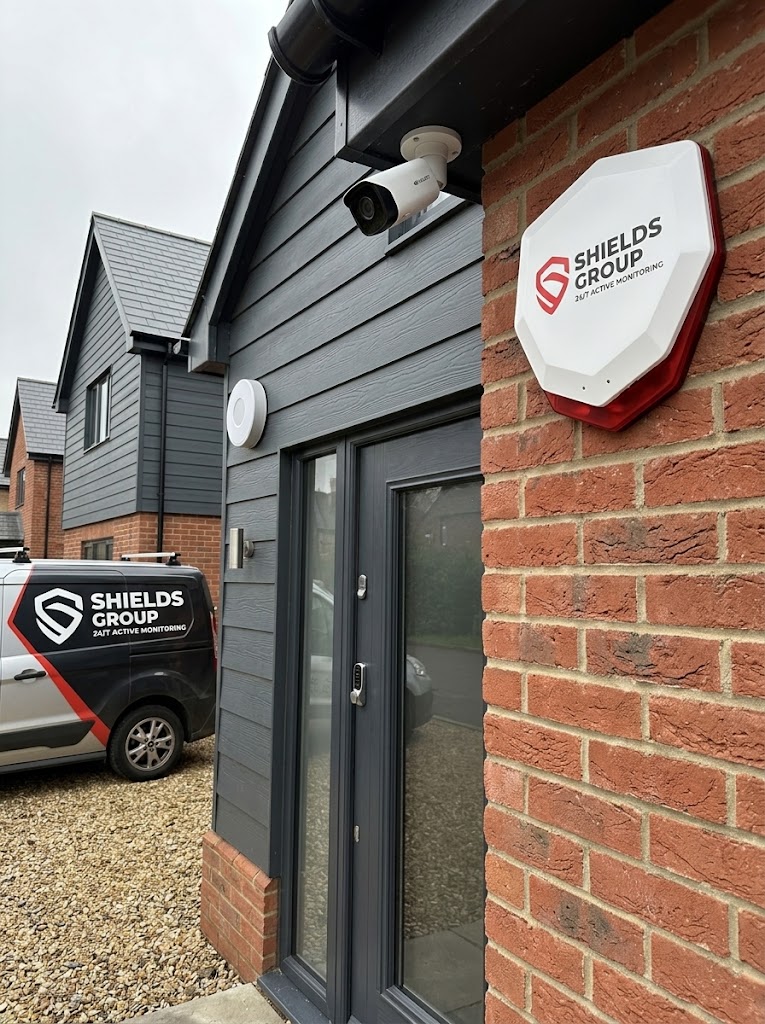
Your neighbours
Every camera is positioned to cover your property, not your neighbours’.
The full detail
The legal detail behind this commitment is set out in our policies.
How we collect, use, store and protect personal data, including camera footage.
Our agreement with you, including camera access (clause 9.4) and your footage (clause 11.4).
How our website uses cookies, and the choices you have.
How to raise a concern with us, and what happens next.
FAQs
Anything else? Ask us on your free survey or email contact@shieldsgroup.co.uk.
No. Our operators can only access your cameras when your alarm is triggered or when you ask us to check your property. At any other time, no one at Shields can open your cameras, view your recordings or listen in.
Up to 20 seconds of recorded video and audio from just before the alarm, and up to 40 seconds of live video and audio, to verify it. If the threat is real, access continues only for the minimum time needed to protect your property and anyone in it.
Yes. Your phone gets an alert every time an operator views your cameras, at the moment they do.
Yes. In the app you can turn our access to each camera on or off. While a camera’s access is off, our operators can’t view it, so it can’t be used to check an alarm.
Yes. You can arm and disarm your alarm and cameras in the app, wherever you are.
Yes, in the app, whenever you like. While they’re off, no one can view them, including us. It also means they can’t be used to check an alarm, so it’s best to switch them back on when you go out.
Audio follows the same rules as video. Operators can only listen, or speak through your cameras, during an alarm or a check you’ve asked for, for example to warn an intruder that they’ve been seen.
In encrypted cloud storage provided with your camera app, under your own account, for the period set by your camera plan, then permanently deleted. Some cameras can also record to an SD card, which we can’t access.
No. Camera data is never used for digital marketing, online selling, customer profiling or any other non-security purpose, and we never sell it.
Alerts are handled by Shields Group’s monitoring team, supported by our monitoring partner. Every operator is background checked and follows the same camera access procedure.
Alarm footage is shared to help protect you: with the police when a threat at your property is confirmed, or with your insurer if you ask us to. We never sell footage or use it in our marketing. Full details are in our Privacy Notice.
Email contact@shieldsgroup.co.uk. Our data protection lead will respond within one month, or tell you if we need longer. You can also ask us to correct or delete your data.
Your engineer positions every camera to cover your property and keep neighbouring gardens and windows out of view wherever possible. If a camera has to see beyond your boundary, we explain your responsibilities under the ICO’s guidance on domestic CCTV.
Free survey
Your engineer will take you through access, alerts and camera controls in the app on your free survey, before anything is fitted. No obligation.
Free security surveyNo obligation, no hard sell
We use essential cookies to make our website work. If you click 'Accept All', we'll also record how you use our pages, like clicks, scrolling and the pages you visit, so we can improve the site. Anything you type into a form is never recorded. You can 'Reject All' to keep only essential cookies, and change your mind anytime in 'Cookie Settings'. For details, see our Cookie Policy.